Create S3 bucket
Create S3 bucket
To download the pii.csv file, click here, right-click the Raw button at the top of the file, select Save Link As…, then choose where you want to save the file on your computer, select *Save *.
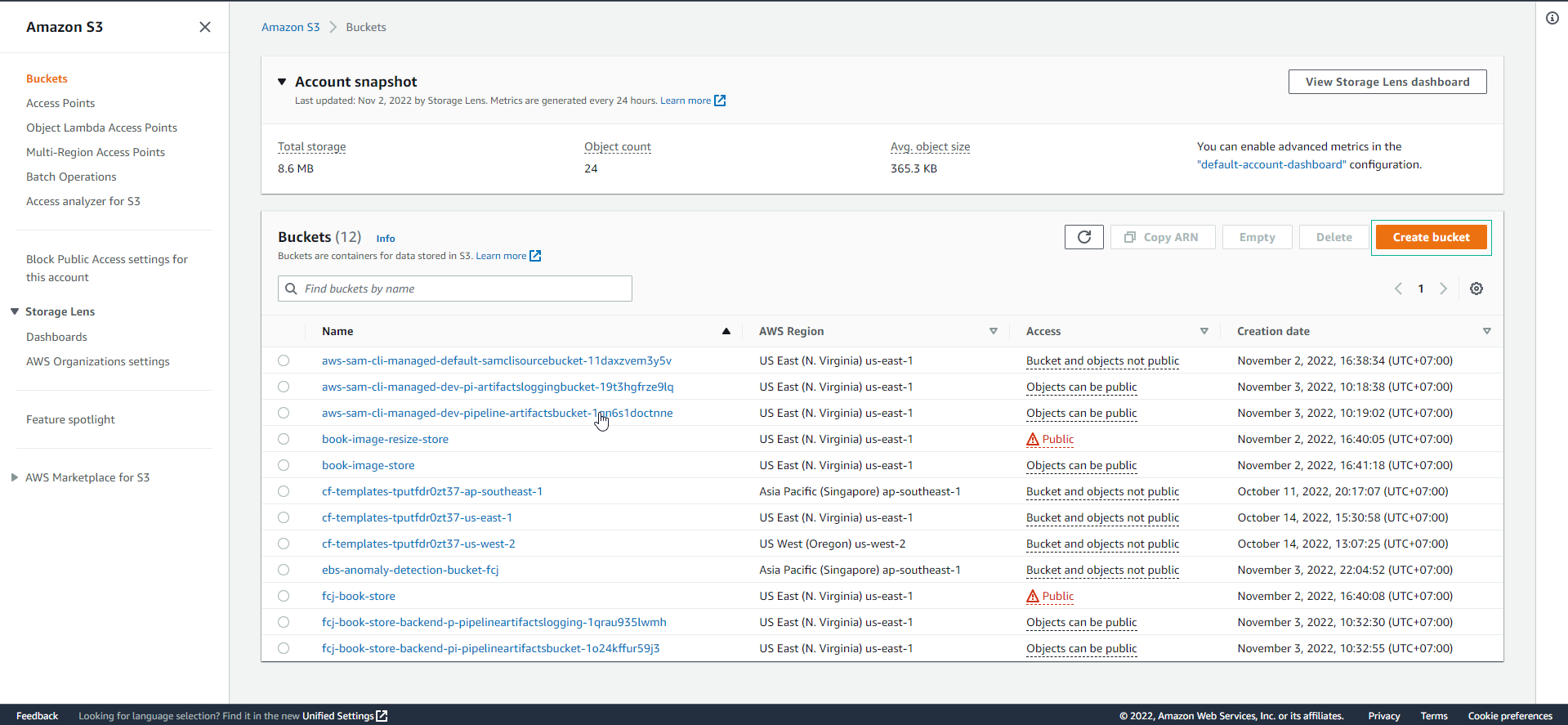
- Access to S3 console
- Select Create bucket
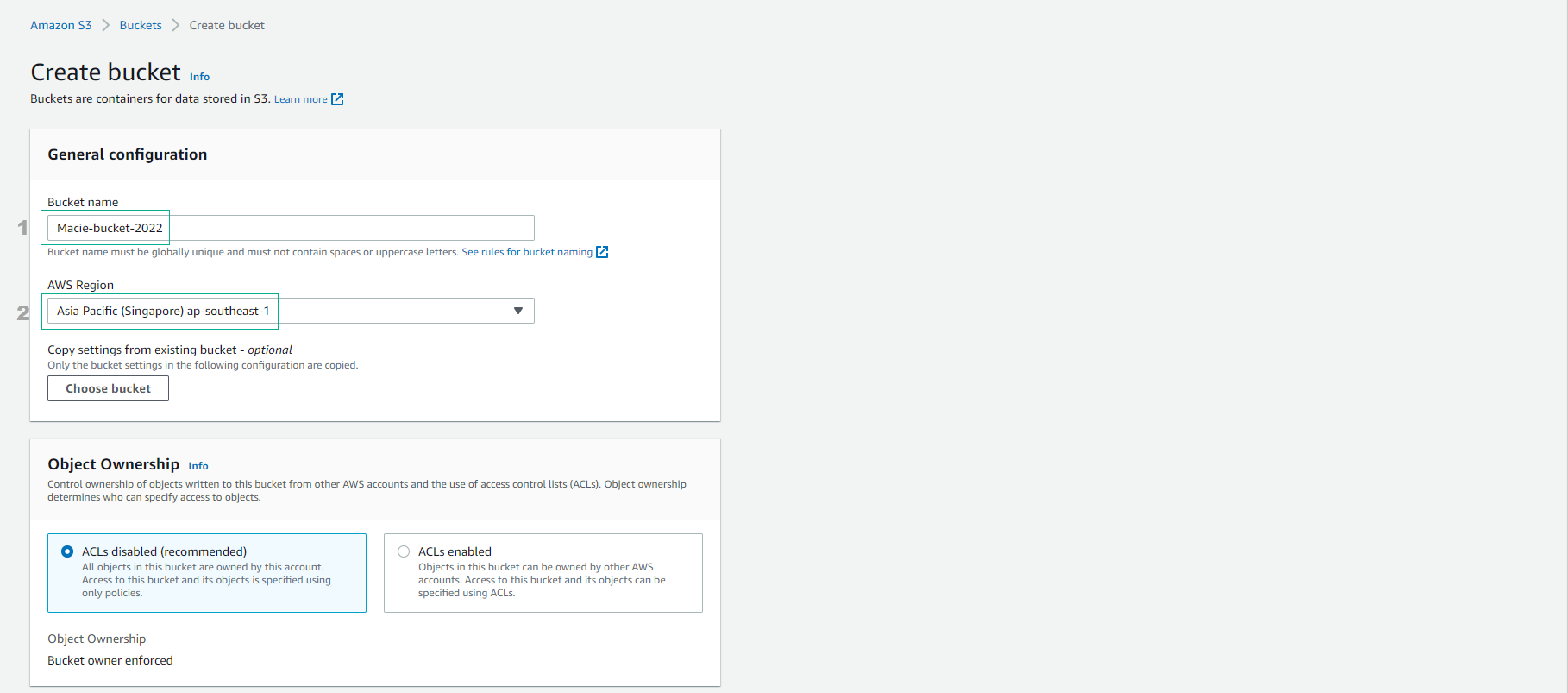
For Create bucket
- Bucket name, you can enter an arbitrary name but must be a unique value.
- Select AWS Region that you deploy.
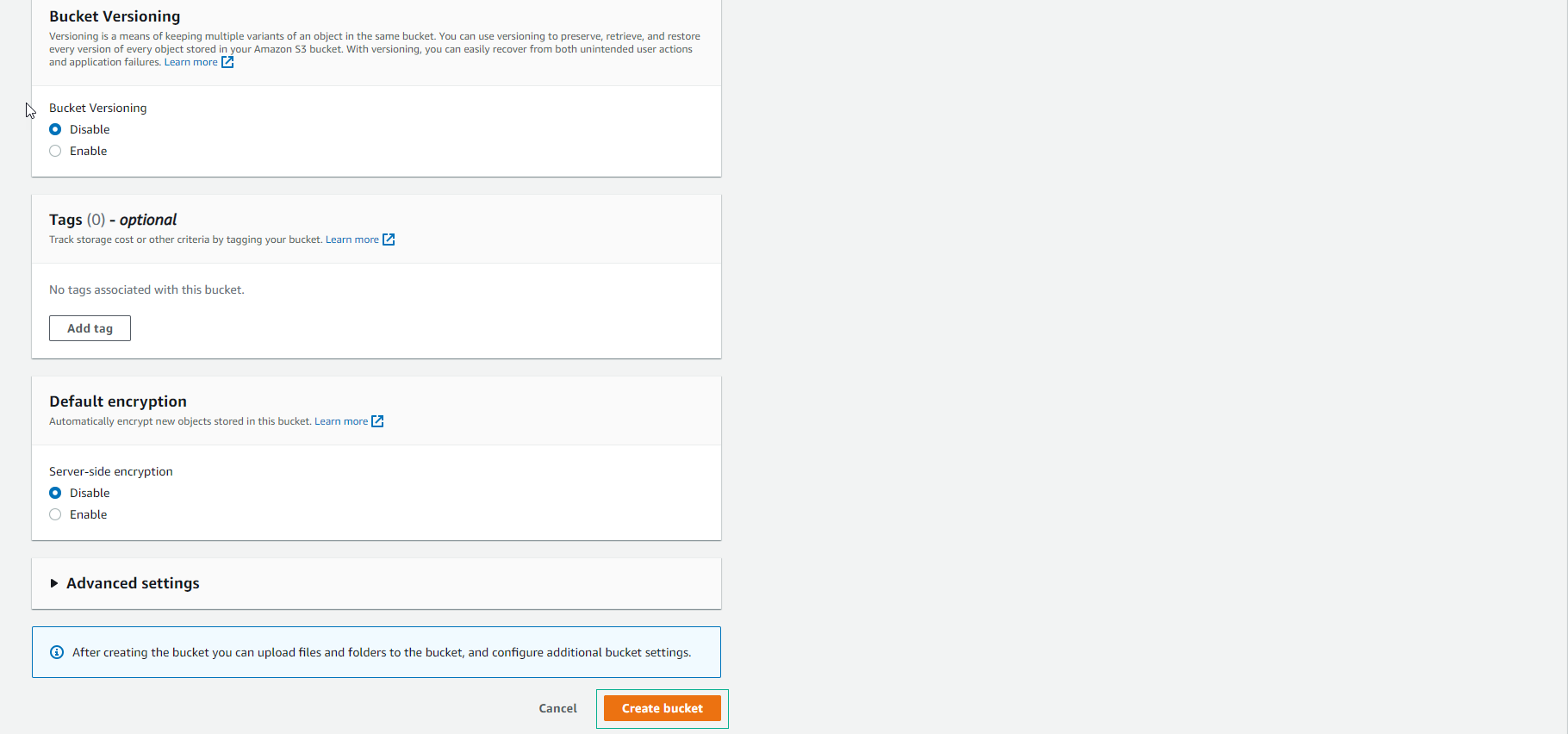
- Select Create bucket
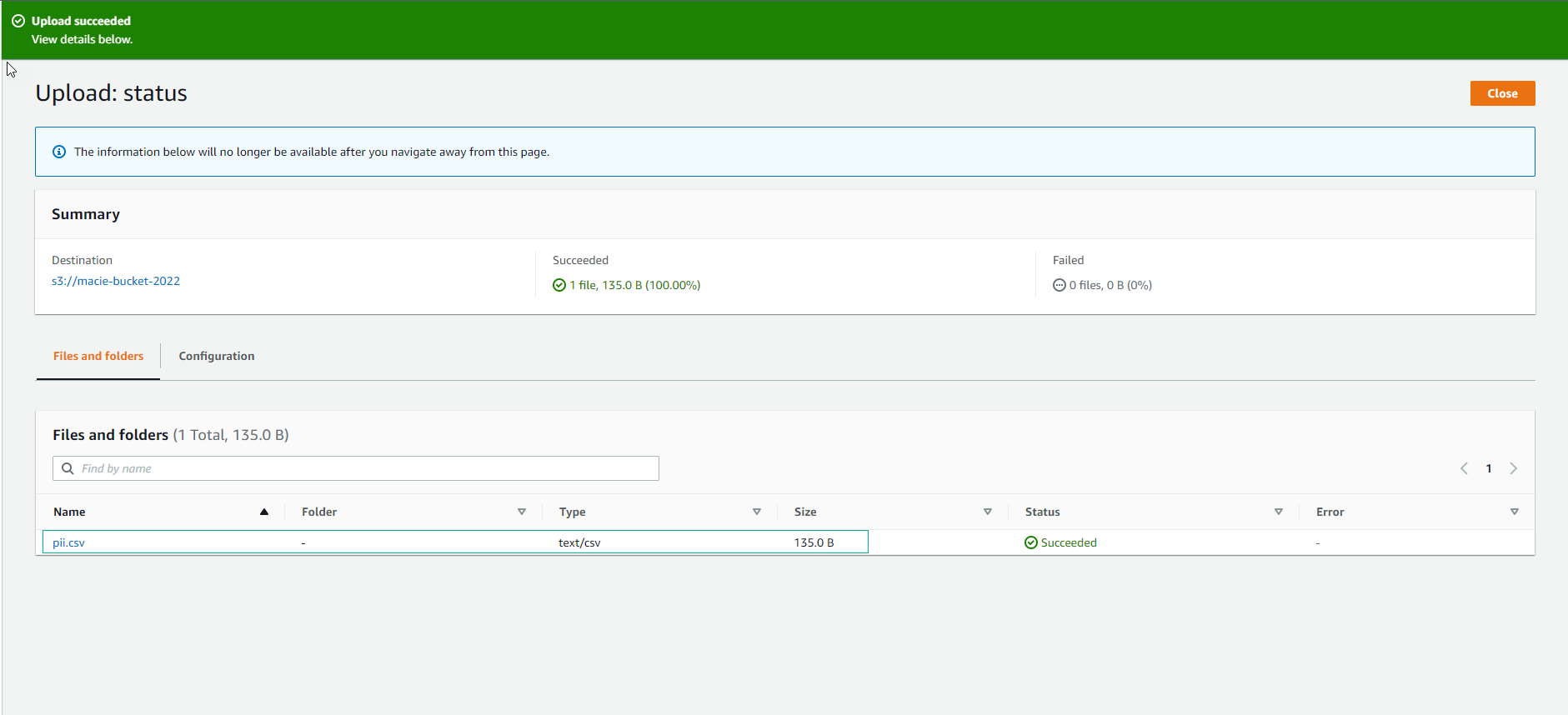
- After creating the bucket successfully, you choose Object and continue to choose Upload.
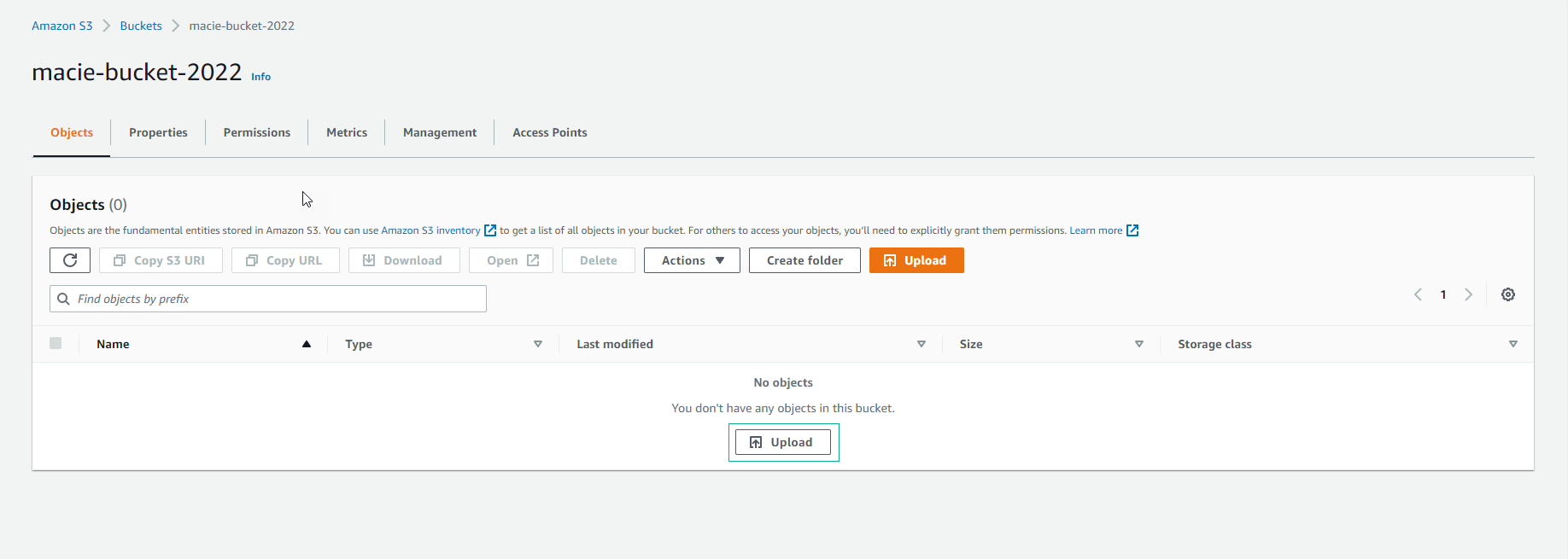
- Upload the csv file you downloaded.
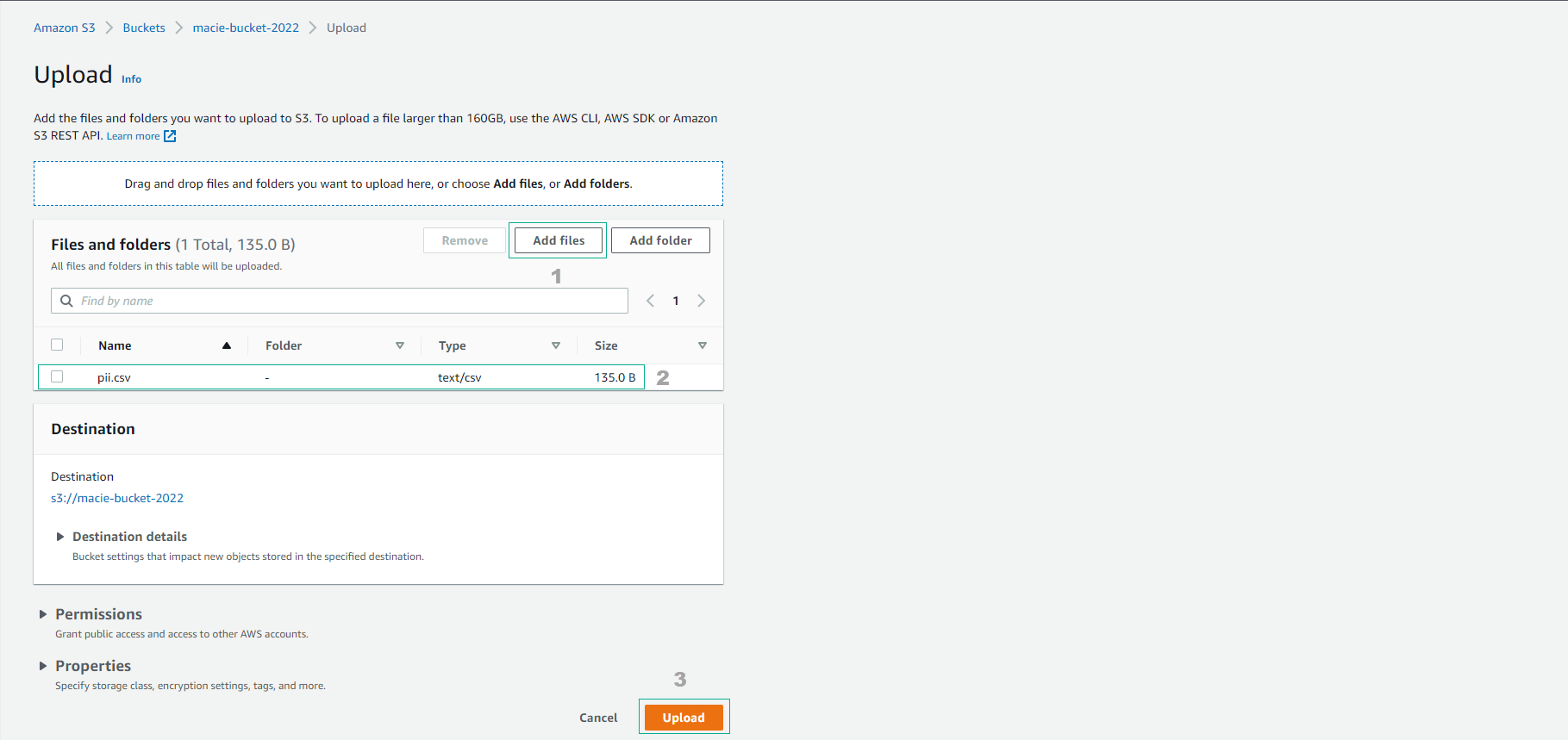
- Upload successful.