AWS-Logo_White-Color
1.
Introduction
2.
Preparation
2.1
Create S3 bucket
2.2
Enable Macie
3.
Create Custom data identifiers
4.
Create a Macie job
5.
Macie job run and findings
6.
Clean up resources
More
AWS Study Group - Blog
AWS Study Group - FB Group
English
Tiếng Việt
Clear History
Workshop
Cloud Journey
Last Updated
18-08-2026
Team
Xuân Quang
Gia Hưng
Quang Hiếu
Discover sensitive data present in S3 bucket using Amazon Macie
>
Preparation
> Enable Macie
Enable Macie
Enable Macie
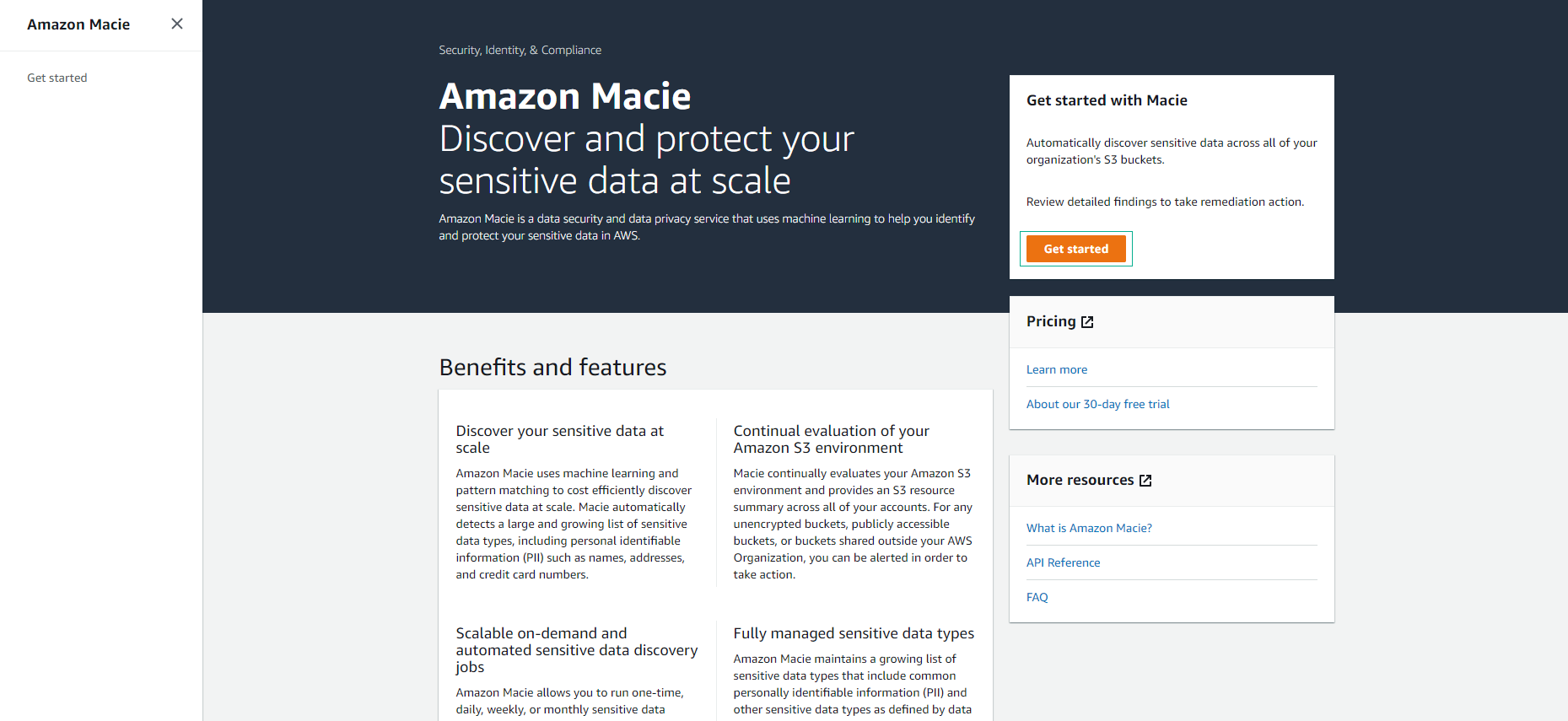
Access the
Macie
interface
Select
Get started
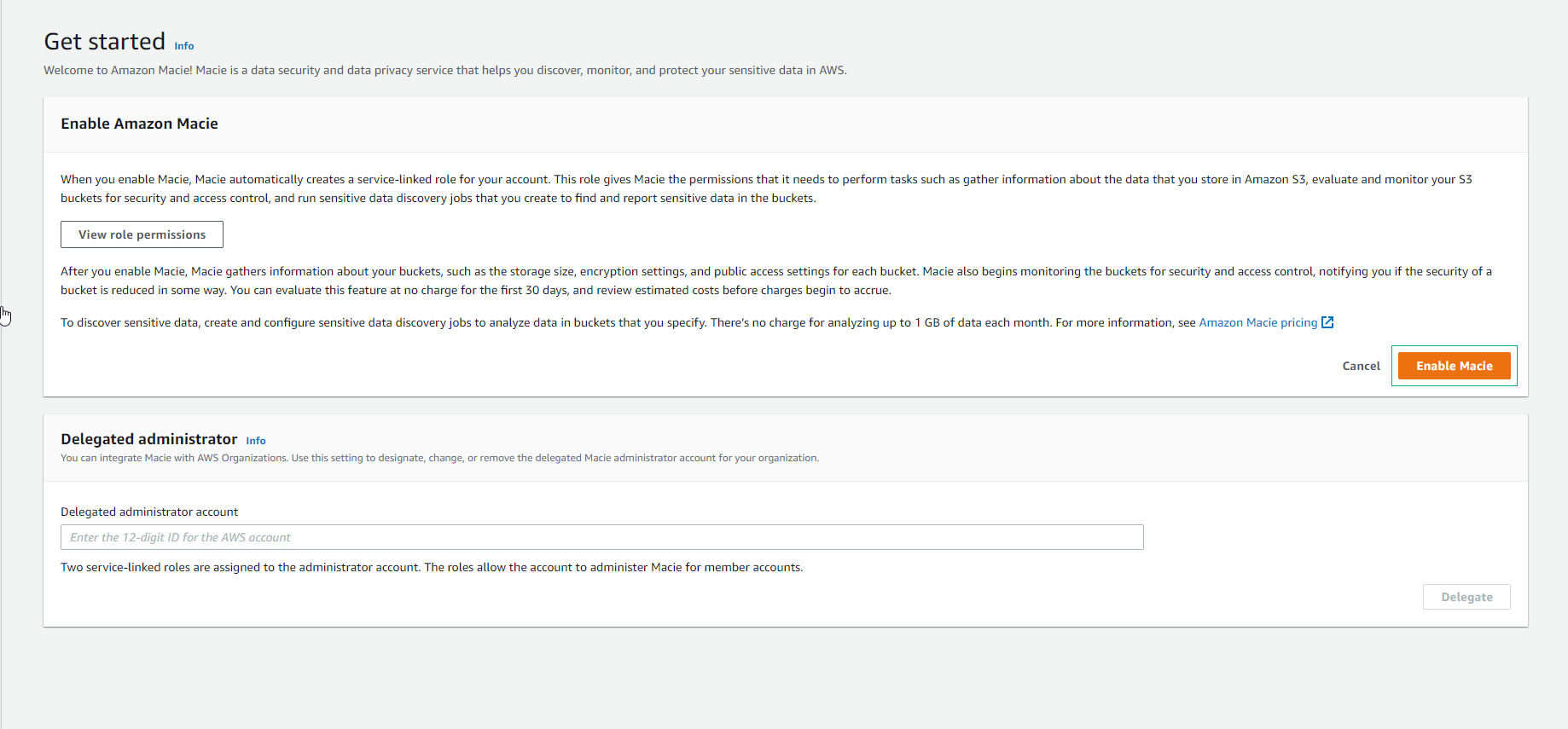
In the
Get started
interface, select
Enable Macie
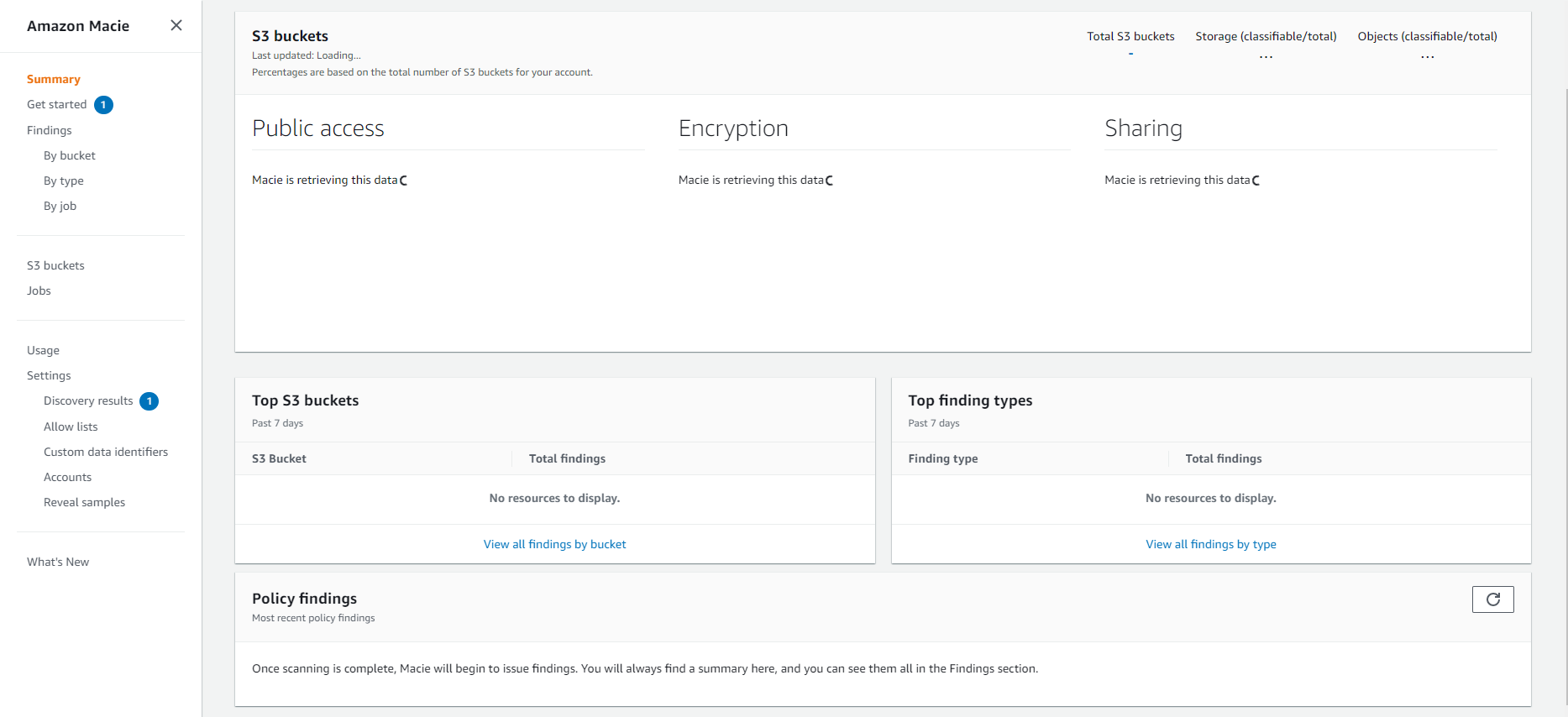
Activate Macie successfully.