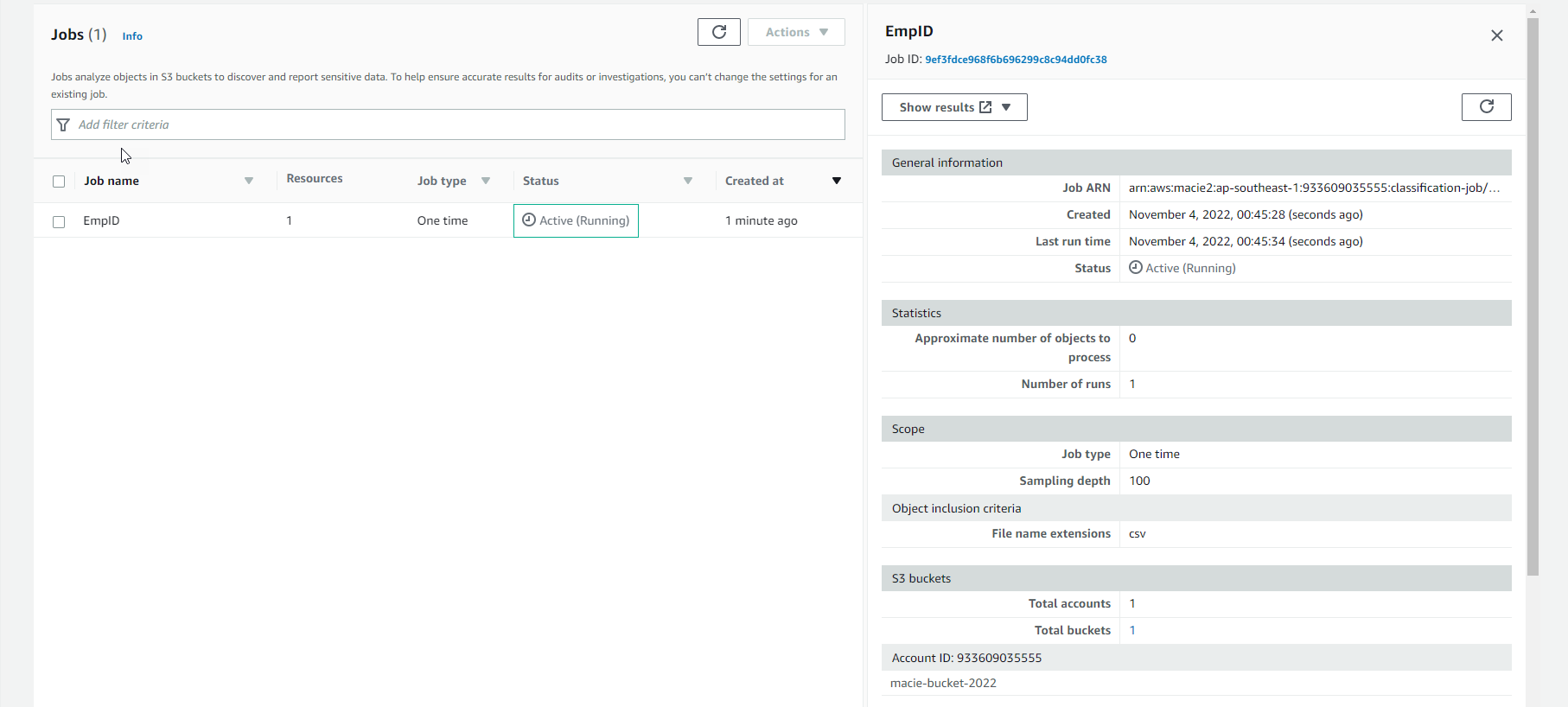
Create a Macie job
Create a Macie job
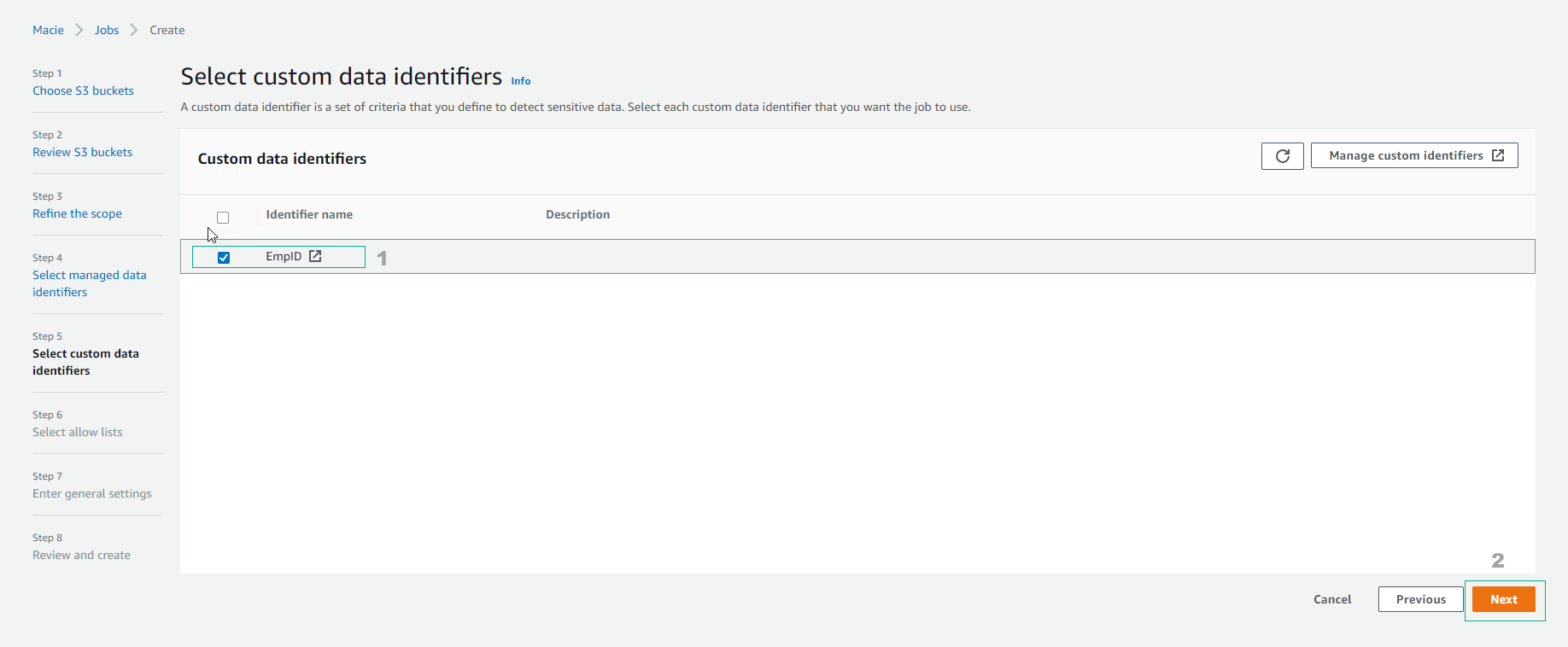
- Return to Job configuration interface, select EmpID and select Next.
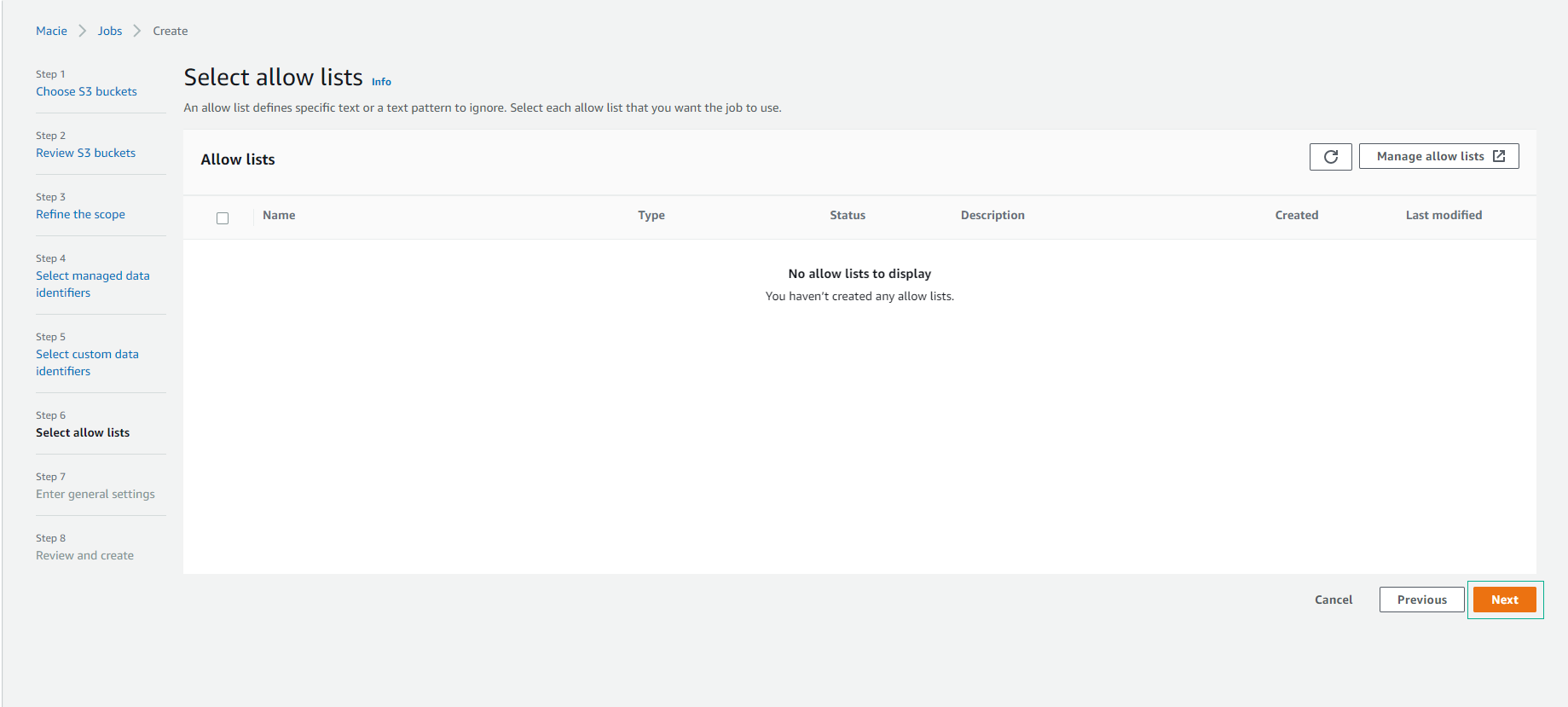
- For Select allow lists, you can skip and select Next.
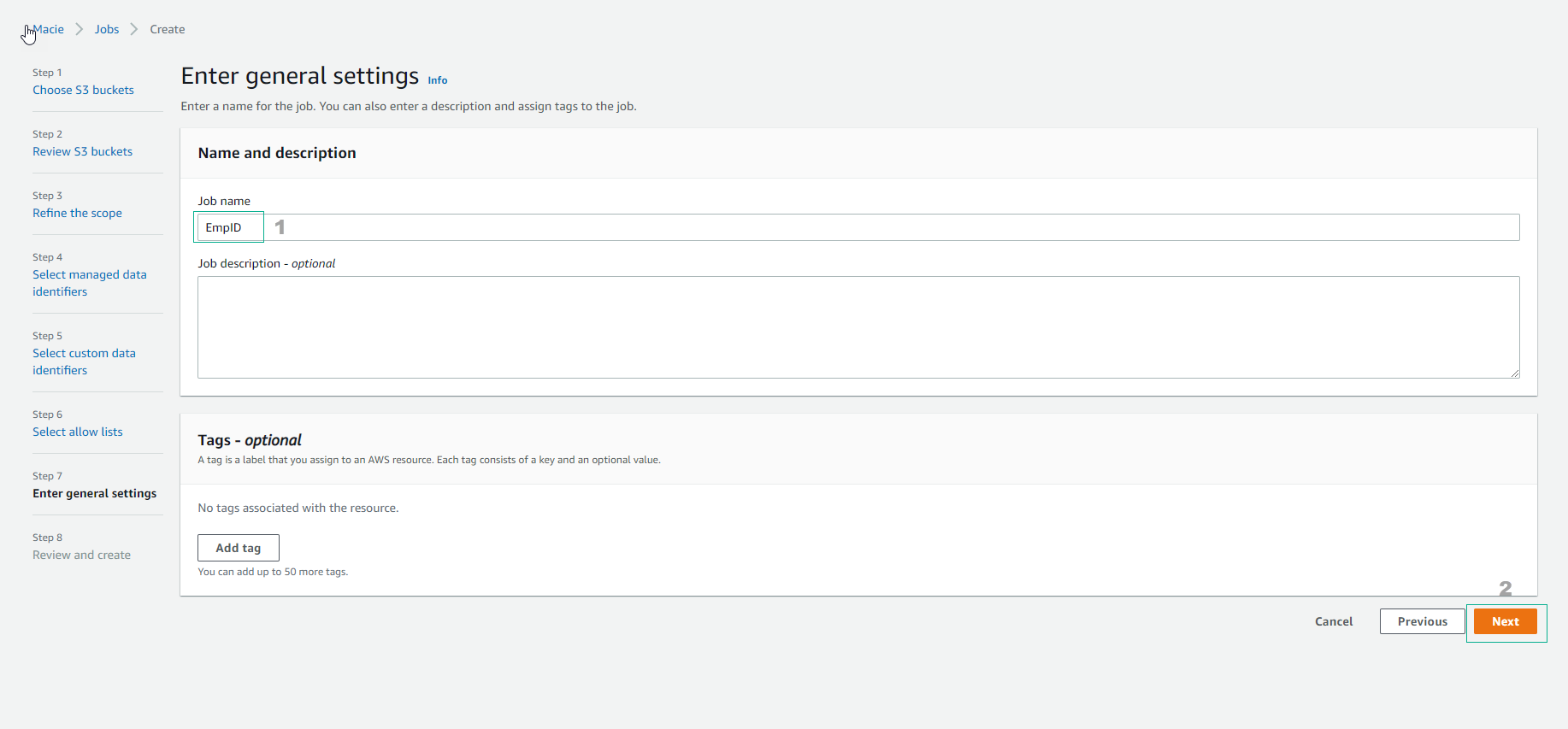
- Do Enter general settings, enter Job name as
FCAJ-Hieu192, then select Next.
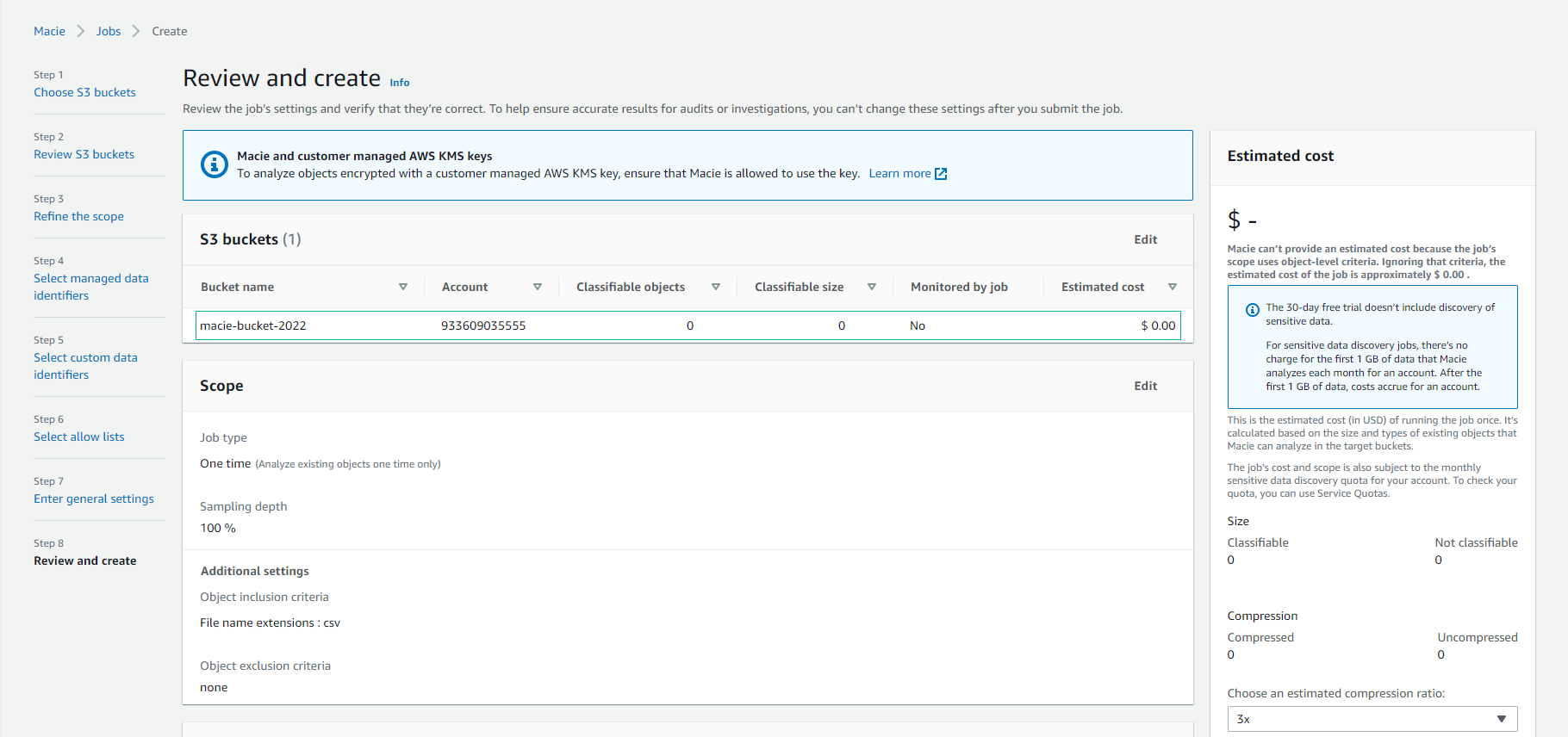
- Execute Review and create
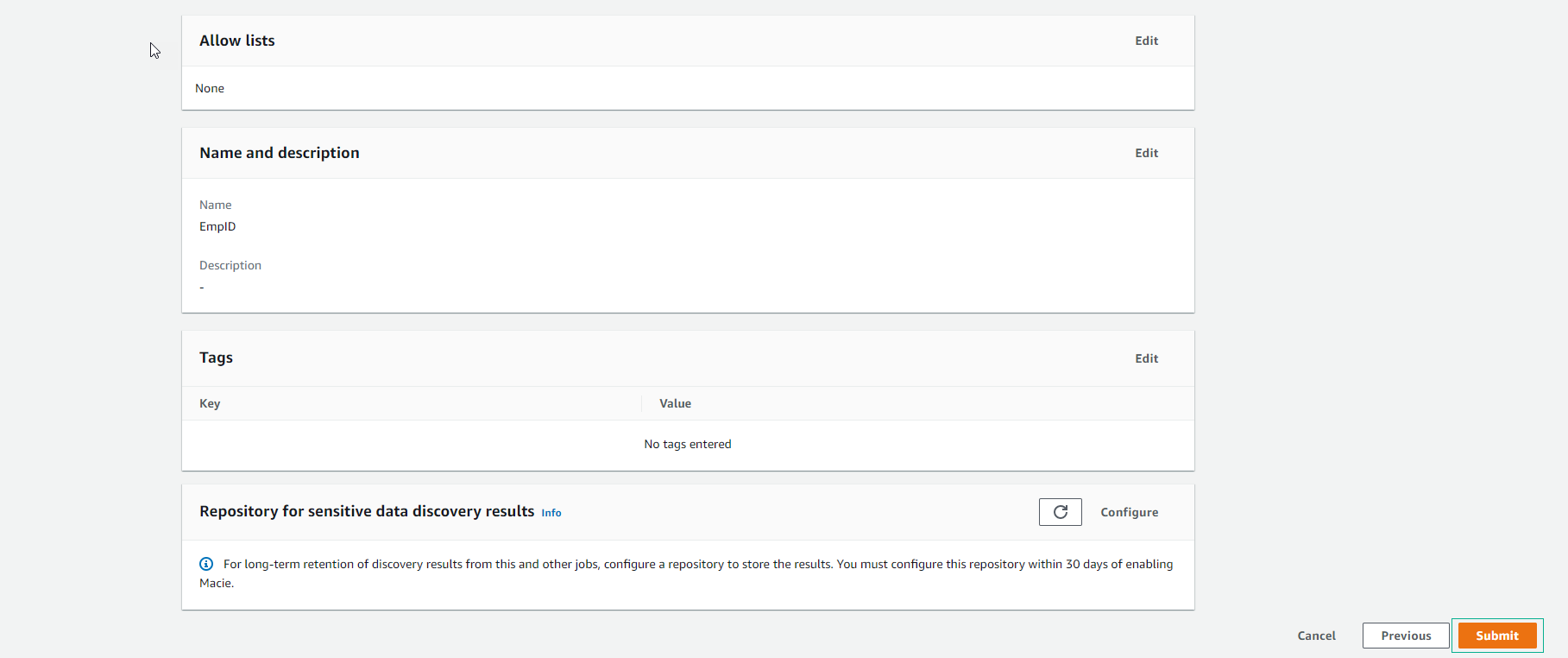
- Select Submit
- When newly created, the Job will have the status Active(Running).